Product
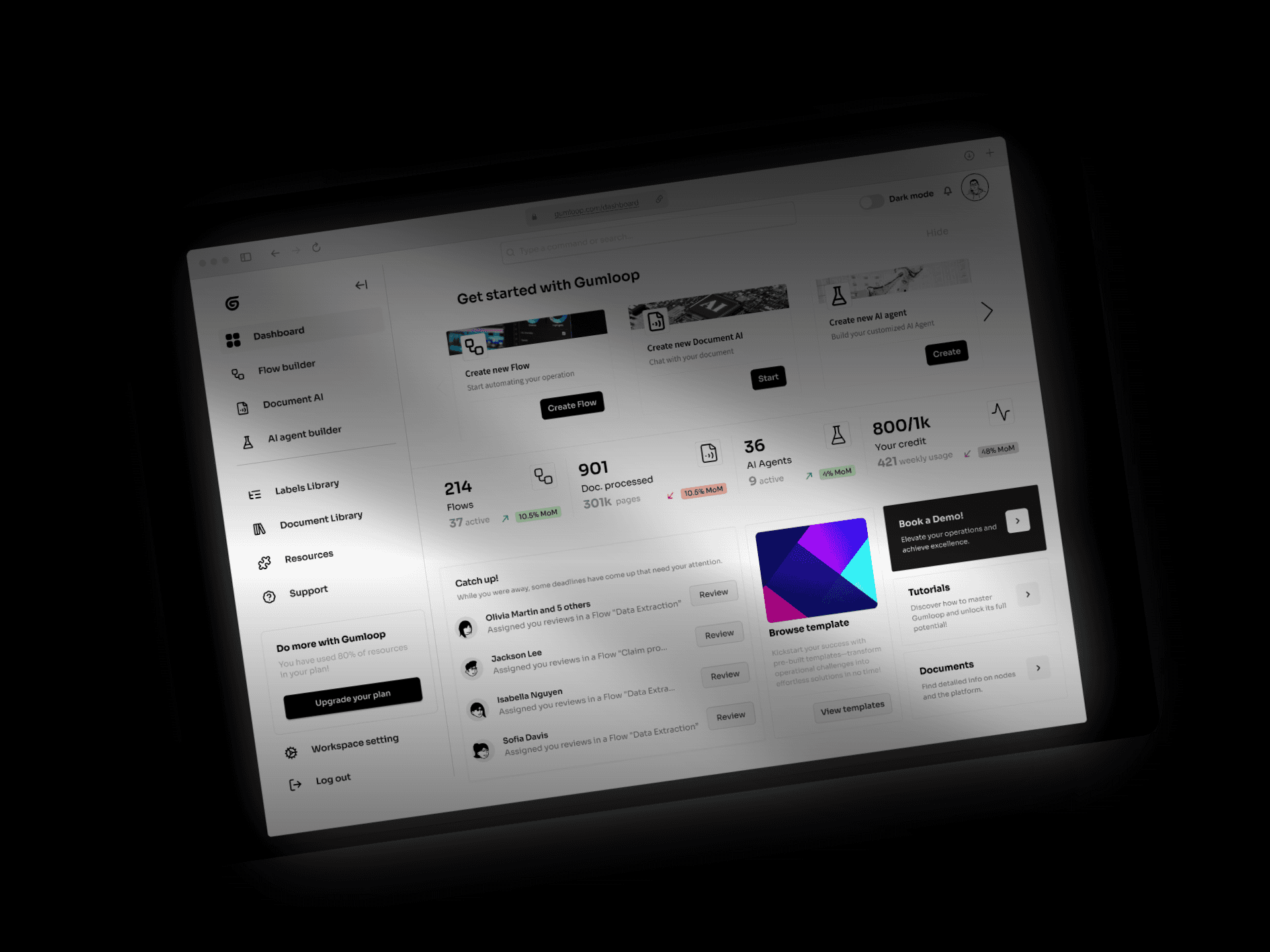
Built a generative automation and intelligent document processing platform with the team, streamlining enterprise back-office processes and boosting productivity by automating repetitive tasks and integrating seamlessly with existing tools and workflows. The solution reduced operational costs, minimized errors, and improved overall efficiency, enabling businesses to focus on higher-value activities and better serve their customers.
Tools and Technologies:
Product & Design Stack: Figma, Jira, Notion, HTML, CSS, React (TypeScript), Storybook.
Techstack: Python (FastAPI), Autotransformer (in-house model), PostgreSQL, Pinecone, GCP, LangChain, Tensorflow, GPT-4.5, Redis, Google OCR, Github, OKTA, n8n.
Established a cohesive design system.
Established comprehensive design discipline including workflow, process...
Conducted user research, analysis, and root cause analysis to identify user problems.
Mapped user journeys, defined workflows, and collaborated with Trio to ideate solutions.
Designed wireframes and low-fi prototypes, ran user tests, and iterated based on feedback.
Led design and product initiate to introduce zero-shot and few-shot models as a node and AI skill.
Led design and product initiate to introduce AI Coworker, Post processing and HITL.


Our Process
At DeepOpinion, we adapted the double-diamond product design process. It looks something like this:
Our non-linear process reality
In reality, sometimes our process looks more like this though.


Feature design discovery process

User journey map
We craft seamless user journeys by analyzing goals, optimizing interactions, and aligning workflows with user needs, ensuring efficiency and impact.

User research synthesis
To identify our users challenges, we initiate in-depth user research phases. This involved engaging with our customer base through interviews, and feedback sessions.

Usability tests
We conduct rigorous usability testing sessions to gather valuable insights and feedback from users, ensuring that the final product meets their needs and preferences while optimizing overall user experience.

SUS
Within the discovery phase, we conducted SUS (System Usability Scale) assessments by presenting users with interactive prototypes. This allowed us to gauge their ease of use, identify pain points, and gather actionable feedback to refine the design and enhance overall usability.
Feature: HITL (Human-in-the-loop)
Problem
User pain point
Users struggle to efficiently customize data processing workflows, facing challenges in adjusting pre-processing labels and defining the desired output, due to complex interfaces or the need for technical expertise.
Discovery process
Method
Double Diamond
Rapid prototyping
Quantitative and qualitative research
Research
Conducted interviews with 12 frequent users to uncover frustrations and preferences.
Analyzed behavioral data to identify bottlenecks in the current flow.
Researched competitors to identify best practices.

What we learned
Users don't distrust the model's accuracy so much as they distrust having no say in it. Across 12 interviews and behavioral analysis, the same theme surfaced from different angles: the system asked people to accept outputs they couldn't inspect, correct, or improve.
No way to verify. Users felt uneasy relying entirely on the system with no mechanism to review or validate what it produced.
Errors were frequent and invisible. 75% reported recurring inaccuracies, especially in complex and edge-case documents — and with no error indicators or confidence signals, they couldn't tell which outputs needed a second look. The result was blanket manual rework.
Corrections went nowhere. Fixing the same mistake repeatedly, with no path to feed corrections back into the model, left participants feeling disempowered.
The data model didn't match the work. Users needed to process line items and line hierarchies, not just flat fields.
Goal
Enable users to easily review, adjust, and approve model output.
Put the human back in the loop: give users a way to review, correct, and teach the system — without needing technical expertise.
Specifically, design an interface that surfaces model confidence and flags likely errors so review effort goes where it's needed, lets users adjust pre-processing labels and define desired output directly, supports line-item and hierarchical extraction, and turns every manual correction into a signal that improves future performance.
Designs and Prototyping
We came to ideation and validation of two major feature to follow one another. First was HITL and second was post-processing.
I rapid-prototyped findings in Figma and put clickable versions in front of users across several rounds, testing with real documents rather than sample data. Early rounds showed the confidence indicators worked but the label setup table didn't, users couldn't tell which fields were required or how nesting behaved so we reworked the hierarchy affordances and added inline instructions. Later rounds validated the core loop: participants could review, correct, and approve output on their own, and the corrections they made fed back as training signal, which was the point.
Design centered on one screen: the document on the left, the model's extracted output on the right, so every value could be checked against its source without leaving the page. Confidence scores sit next to each field and drive a color-coded scale, turning review from a full read-through into a triage — low-confidence fields pull attention first, everything else can be skimmed. A pending/completed queue tracks progress across long batches, and the label configuration moved into a plain table where users define fields, parents, data types, formats, and whether a value repeats — enough structure to support line items and nested hierarchies without exposing anything model-shaped. Alongside the happy path, we prototyped the failure states: what a flagged error looks like, who it gets assigned to, and how it's communicated back to the user.


Impact and Lessons
Impact
HITL shipped as the trust layer on top of DeepOpinion's document processing — and trust turned out to be the thing standing between the product and adoption. Users in high-consequence settings stopped treating model output as something to accept or redo wholesale, and started treating it as a draft they could verify in seconds.
What made the difference:
Visual confidence scoring — review effort goes where the model is uncertain, not everywhere.
Split-screen validation — extracted data sits beside the source document, so verification is a glance rather than a hunt.
Hierarchical labeling and line-item validation — the structure finally matches how invoices and contracts actually work, down to nested line properties.
Dynamic label editing — users adjust label properties and hierarchies themselves, in real time, without technical help.
Feedback loops — every correction becomes training signal, so the system gets measurably better at the documents each customer actually processes.
The result: a 40% increase in MRR. Higher confidence drove adoption; adoption drove expansion. Review time per document dropped, blanket manual rework largely disappeared, and the accuracy gains compounded as corrections fed back into the model.
Other Product Features

AI Coworker
84% Engagement
Goal: Empower users with an AI Copilot to streamline document processing, enabling seamless customization and automation for precise outcomes.

Pre-processing
92% Engagement, 10% Churn Reduction
Goal: Enable users to adjust preprocessing labels and define desired outcomes for inference.